
Type to search driver guides, topics, or blogs...

Understand
Computer Drivers
Without Confusion
Read simple learning guides about how drivers help printers, scanners, audio devices, graphics, USB ports, networks, Bluetooth, storage, and other hardware work with a computer.
Browse Topics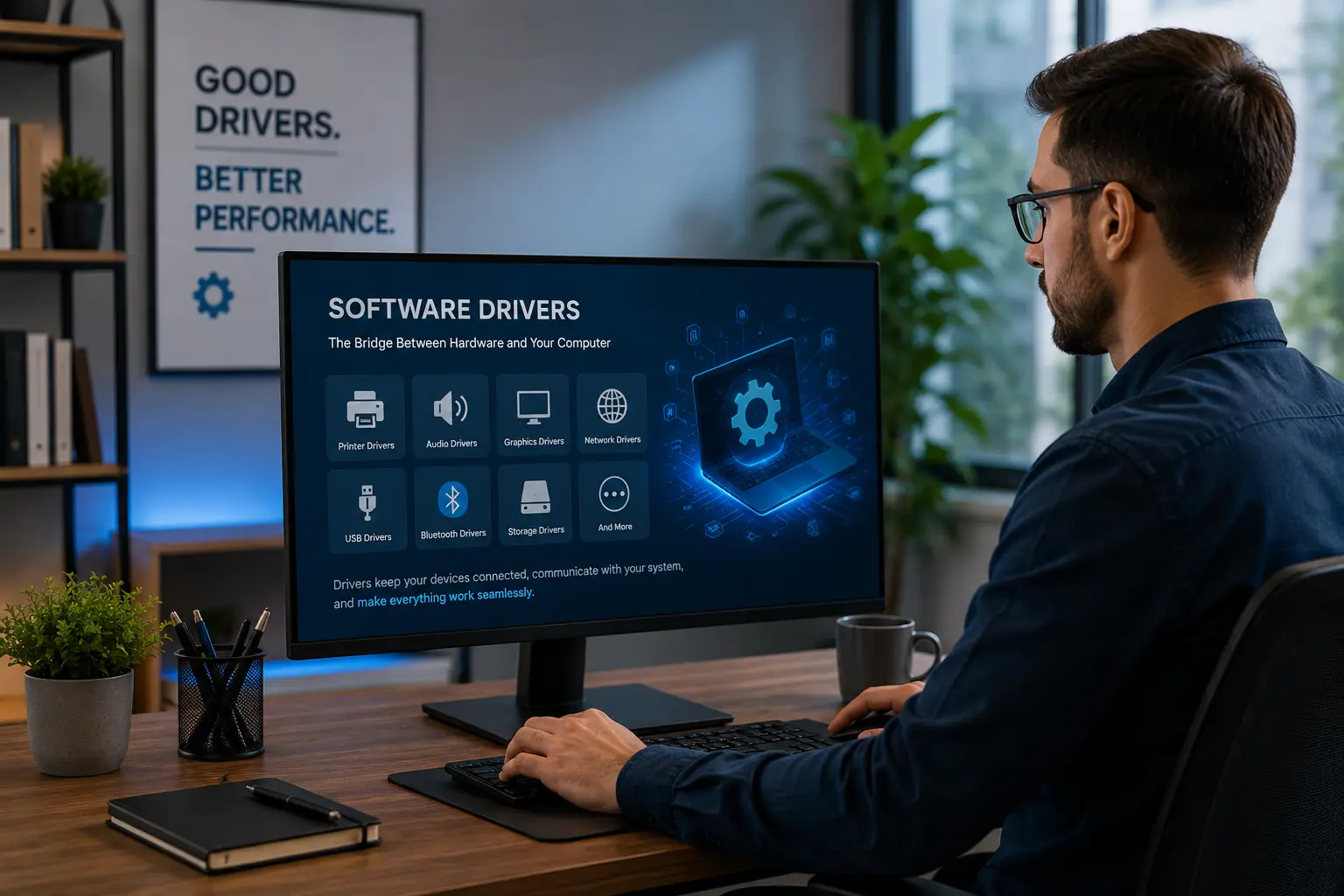

10+
Driver Topics
20+
Learning Guides
Explore Popular Driver
Learning Guides


Printer Drivers
Learn how printer drivers help computers process print commands.
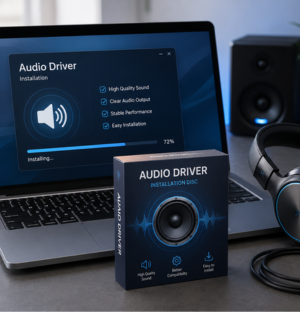

Audio Drivers
Understand how audio drivers manage speakers and microphones.
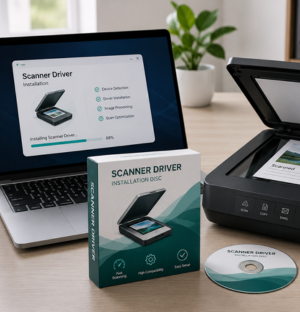

Scanner Drivers
Explore scanner driver basics for document and image capture.
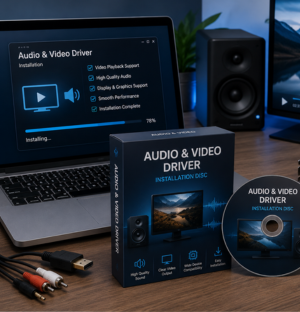

Audio & Video Drivers
Learn how media and display drivers support visuals and playback.
Choose a driver topic and explore simple learning guides. View all topics

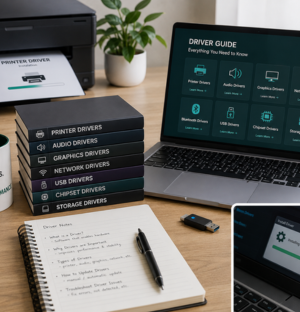
Software Driver Learning
Made Clear For Everyone
We share simple educational guides that explain how software drivers help printers, scanners, audio devices, displays, USB ports, networks, Bluetooth, storage, and other hardware communicate with a computer.
Driver Concepts
Simple basics for beginners.
Device Learning
Clear hardware communication.
- Beginner-friendly driver topics explained in simple language
- Printer, scanner, audio, USB, Bluetooth and network guide content
- Organized learning paths for understanding computer driver roles
Software Driver Learning Topics
Explore simple educational guides about computer drivers, hardware communication, device behavior, and common driver-related learning areas.
Printer Drivers
Learn how print commands, layouts, and page output are understood by printers.
Audio Drivers
Understand how speakers, microphones, and sound devices communicate with a system.
Scanner Drivers
Explore how scanners capture documents and transfer image data to computers.
Graphics Drivers
Learn how screen clarity, rendering, and display output are managed.
Network Drivers
Understand how WiFi, Ethernet, and network adapters connect devices.
Bluetooth Drivers
Learn how wireless pairing and short-range device communication works.
Chipset Drivers
Explore how internal hardware parts communicate through motherboard support.
USB Drivers
Understand how USB devices are detected and recognized by computers.
Storage Drivers
Learn how SSDs, hard drives, and storage controllers support data transfer.
Webcam Drivers
Understand how webcam input is processed for video communication.
Touchpad Drivers
Learn how touch movement, taps, and gestures are interpreted.
BIOS & UEFI Drivers
Learn how basic input/output systems help start and manage system hardware.
Why readers choose our driver learning guides
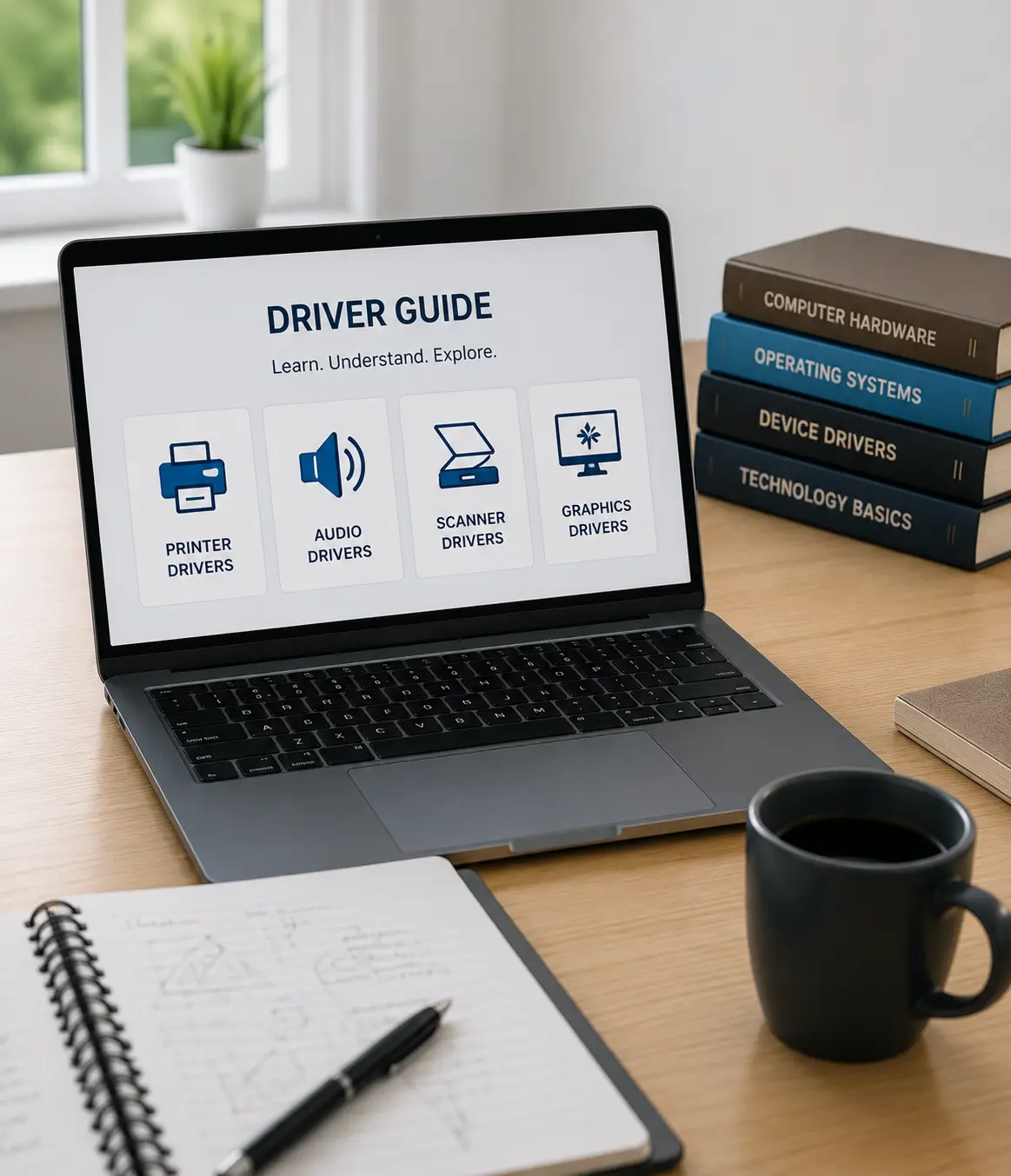
Simple explanations
Driver topics are explained in clear language without complicated technical pressure.
Device-focused topics
Learn about printer, scanner, audio, USB, Bluetooth, network and display drivers.
Organized learning
Each guide follows a clean topic structure so users can understand one area at a time.
Educational only
Content is written for learning driver concepts, hardware communication and device basics.
Latest driver learning articles
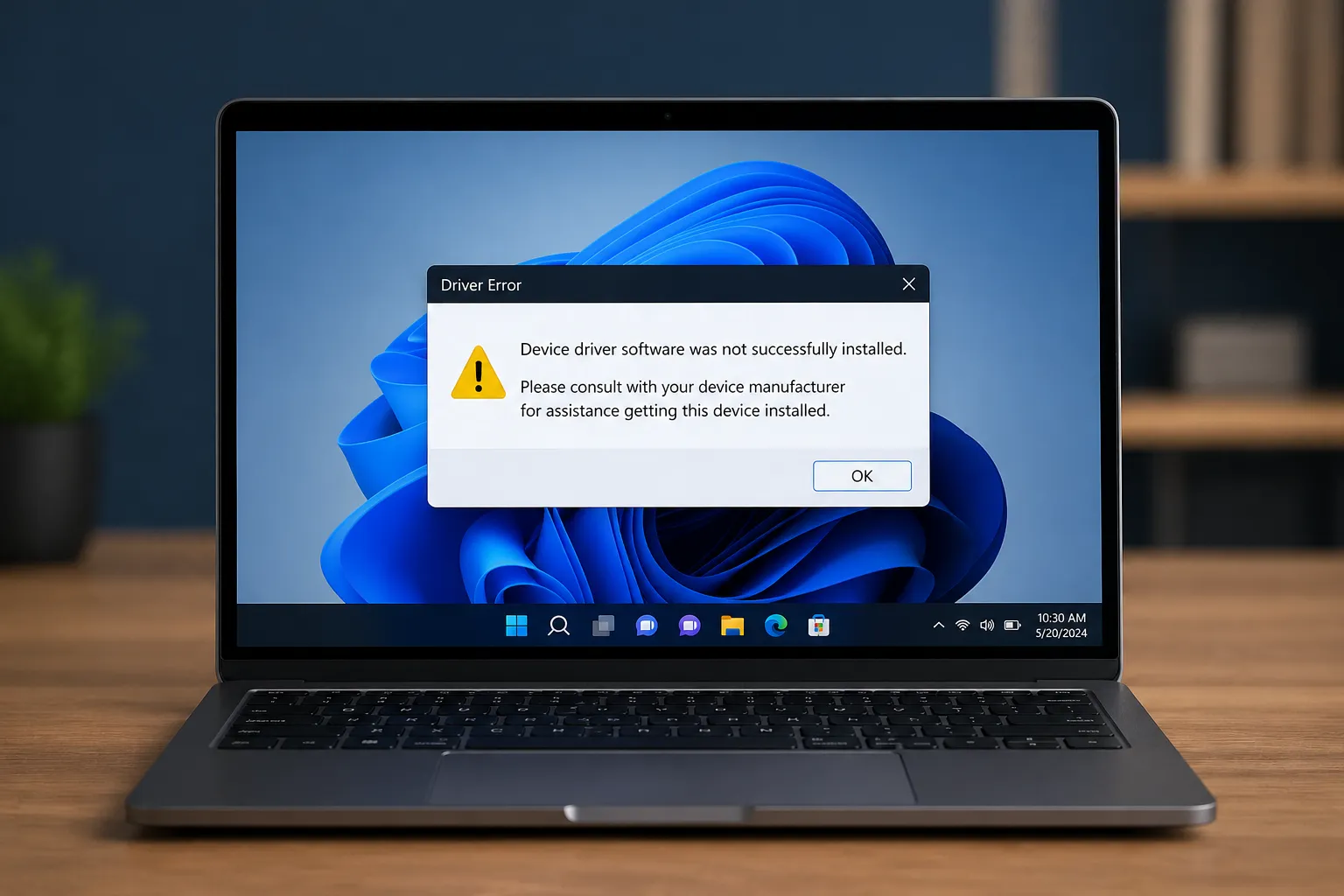
The Anatomy of a Hardware Driver
Understand how drivers help operating systems communicate with hardware components.

Understanding Graphics Driver Basics
Learn how graphics drivers support display output, screen clarity and visuals.

How Network Drivers Support Connectivity
Explore how WiFi, Ethernet and network adapters communicate with computers.
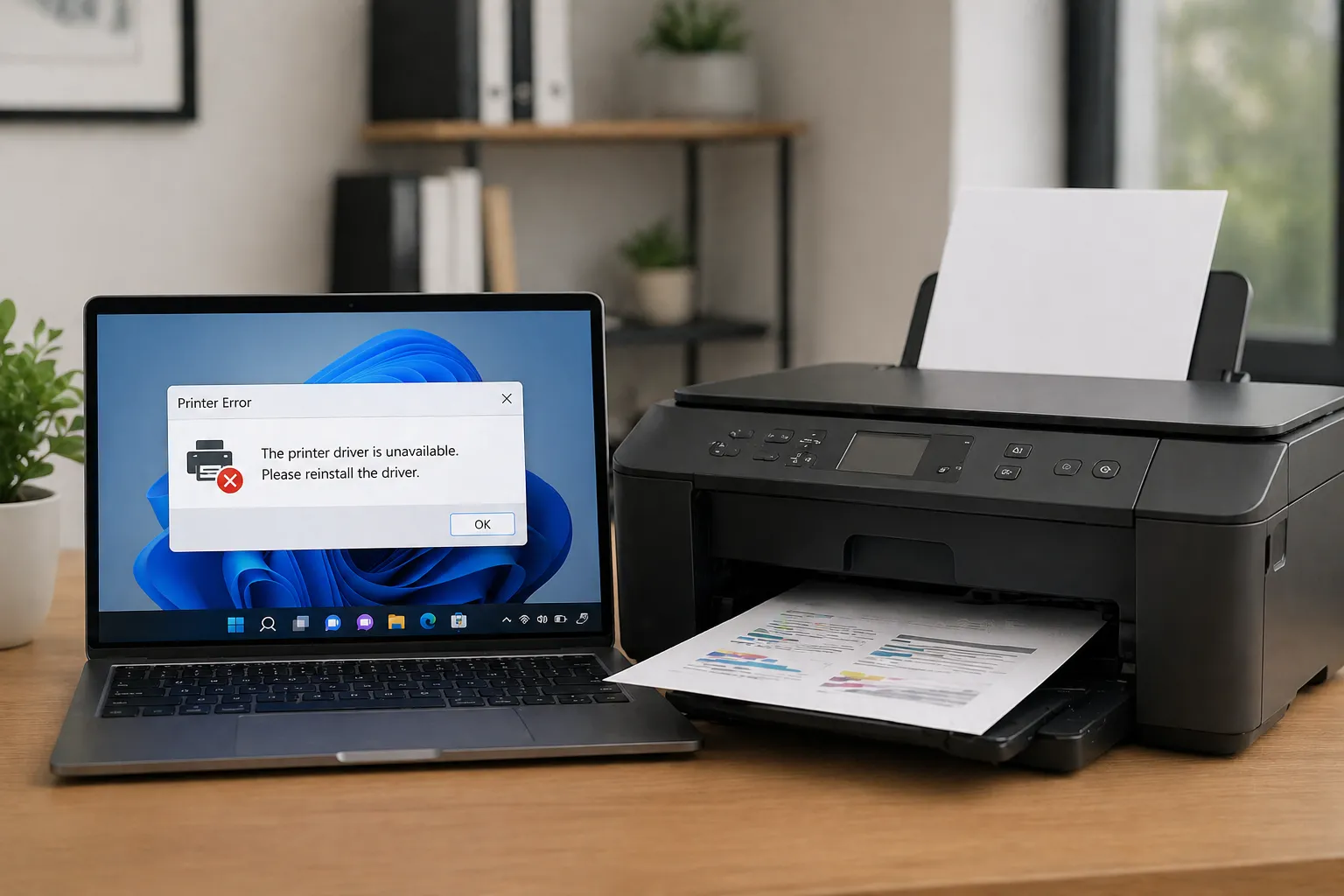
Printer Driver Communication Basics
Understand print commands, document output and printer communication.

USB Drivers & Port Communication
Learn how USB devices are detected and connected through driver communication.

1. What is a computer driver?
A computer driver is a small software layer that helps the operating system communicate with hardware such as printers, speakers, scanners, keyboards, and network devices.
2. Why are drivers important?
Drivers help hardware devices understand system commands and allow the computer to use connected devices in a proper way.
3. What types of drivers can I learn about here?
You can learn about printer, audio, scanner, graphics, network, Bluetooth, USB, chipset, storage, webcam, touchpad, keyboard, BIOS, and UEFI topics.
4. Is this website for learning only?
Yes. This website is focused on educational driver information and simple explanations for users who want to understand driver basics.
5. Do drivers connect hardware with software?
Yes. Drivers act as a communication bridge between the operating system and hardware devices connected to the computer.